
Smart home systems and communication standards
Wi-Fi, Zigbee, Thread, Matter and KNX are often listed together, but they do not all describe the same layer. Some concern transport, some the shared language of device functions and others a building-control system. Understanding the distinction makes equipment selection easier.
Ask whether the exact device can provide the required feature through the intended controller. Similar radio symbols on two boxes are not a complete compatibility assessment.
Separate three layers

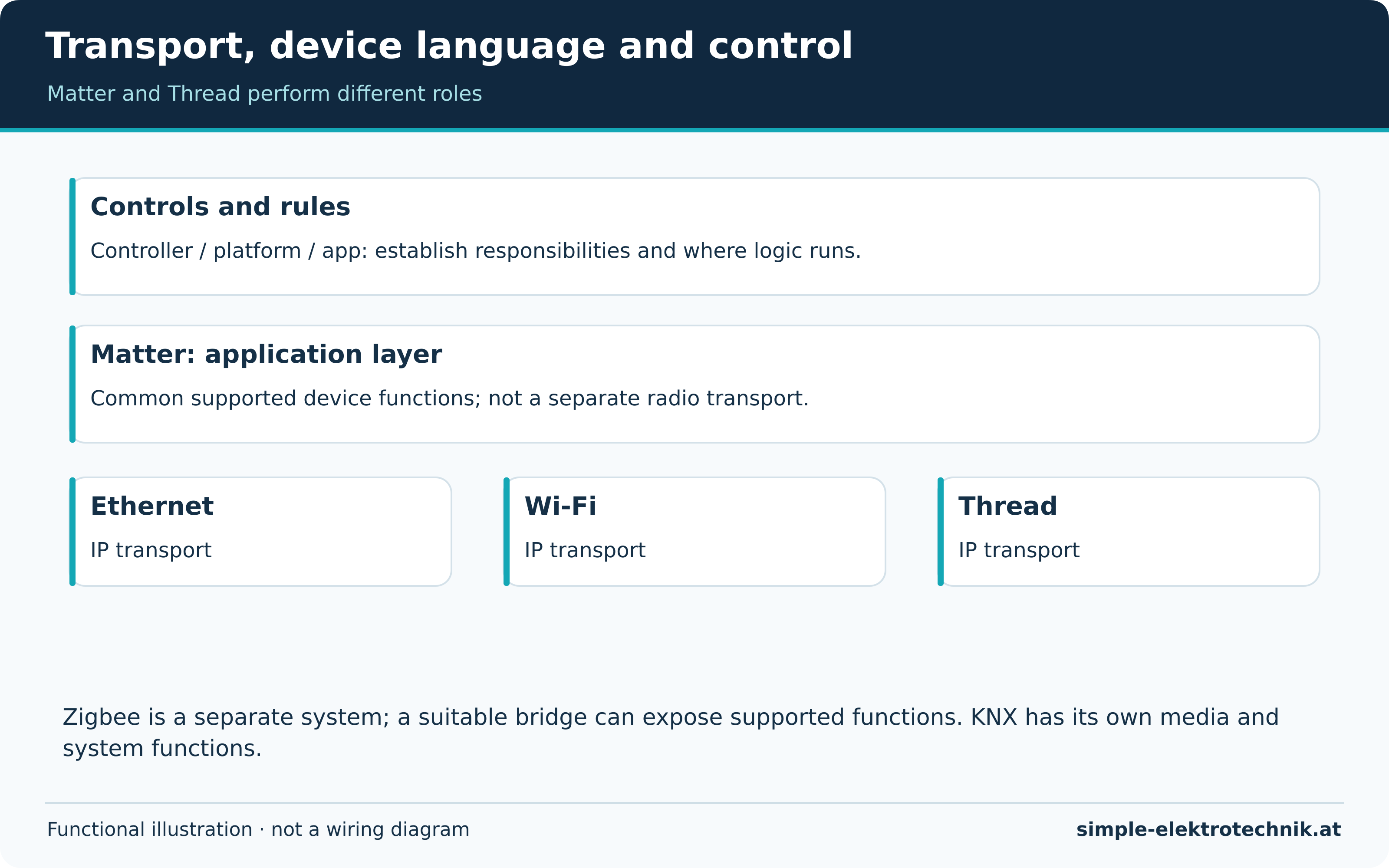
Consider how data reaches a device, how functions are described and where controls and rules are managed. The layers diagram separates those tasks.
Ethernet and Wi-Fi can transport IP traffic on the home network. Thread is also IP-based but uses a different radio network. Matter provides an application layer for supported device types and functions, operating over technologies such as Wi-Fi, Ethernet or Thread. It is neither a replacement Wi-Fi router nor another name for Thread.
Zigbee has its own network and device profiles. A Zigbee product does not automatically become a Thread device through a setting, even where related radio technology is used. A suitable bridge can expose selected functions between systems.
Understanding the main technologies
| Technology | Basic role | Check before choosing |
|---|---|---|
| Ethernet | Wired network connection | Available cabling and the required device protocol |
| Wi-Fi | Wireless home networking | Coverage, configuration and local versus cloud device interface |
| Zigbee | Separate radio network with a coordinator | Device support, network structure and exposed features |
| Thread | IP-based radio mesh | The appropriate Thread network and connection to the wider home network |
| Matter | Common application layer over supported IP networks | Controller, device type, features and supported versions |
| KNX | Building-control system using several media | Design, devices, commissioning and documentation |
Bluetooth may be used for setup, direct operation or particular networking methods. A Bluetooth label alone establishes neither Matter support nor a complete automation system. Other technologies can also be useful; this is not a universal ranking.
Hubs, bridges and border routers

A hub or controller may manage devices and run rules. A bridge exposes supported functions between systems. A Thread border router connects a Thread network to another IP network. One product can combine these functions without making them identical.
Matter-over-Thread needs an appropriate Matter controller and the necessary Thread network access. A border router is not automatically the complete automation controller. A Matter-over-Wi-Fi product does not need a Thread border router merely because it uses Matter.
Several controllers can be sensible when their responsibilities are clear. Problems arise when duplicate integrations present one light under different identities and execute conflicting rules. Choose a preferred integration path and meaningful names.
Local operation versus cloud is another decision
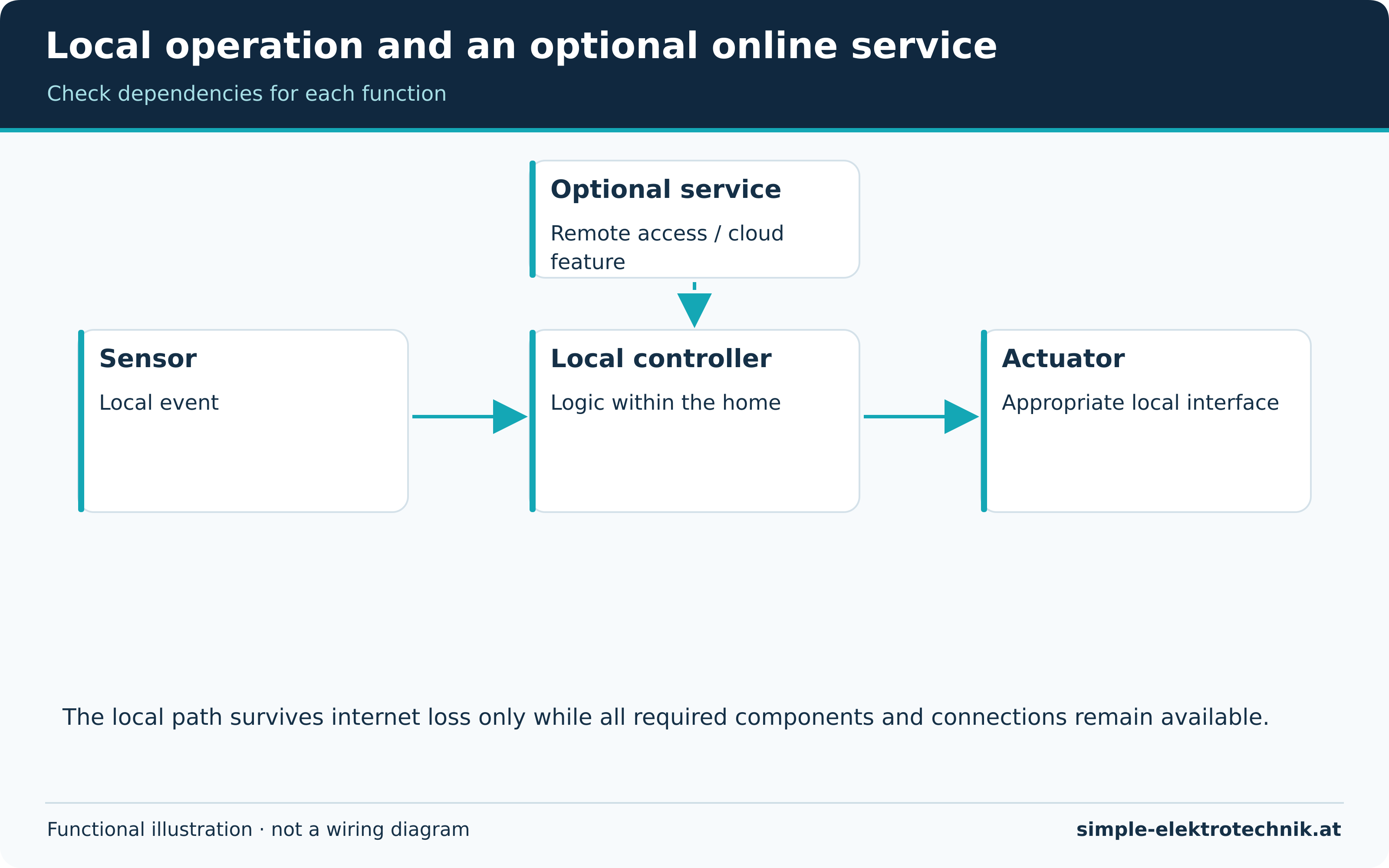
Wi-Fi does not automatically mean cloud. A Wi-Fi device may offer local control, while a radio hub may require an online service for selected features. Assess dependency for each function rather than inferring it from the radio standard.
The second diagram separates the local sensor/controller/actuator path from an optional external service. Verify offline operation in the actual system. A power cut can still affect all components needing electricity.
Cloud services may offer convenient features but depend on accounts, providers, connectivity and service conditions. Local systems also need maintenance, backups and access protection. See privacy and reliable operation.
Plan coverage and networking realistically
Coverage depends on the building, location, interference and network structure. Laboratory range is not a guarantee through reinforced concrete floors. Test a sensor where it will be installed, not only beside the hub.
Mesh networks use suitable forwarding devices. Not every participant forwards traffic; battery sensors frequently do not. An additional Wi-Fi extender does not automatically improve Zigbee coverage.
An isolated IoT network may help access control, but unsuitable isolation can prevent discovery and operation. Matter relies on local IPv6 and multicast communication. A guest network blocking all communication between clients is not a universal solution. Permit the necessary traffic deliberately and securely.
Verify features before buying
List what you need: switching only, or also dimming, colour, measurements, button events and updates? Integration may work without exposing every manufacturer feature. Check the model, firmware and integration rather than relying on the brand name.
Sharing a device with several platforms does not automatically synchronise their automation rules. Access sharing and removal need a plan. When giving a device away, clear ownership and credentials using the manufacturer procedure.
Common questions
Does Matter make every product equivalent?
No. Device types, platform capabilities and manufacturer extensions differ. Matter supports interoperability without guaranteeing complete feature parity.
Is KNX always wired?
No. Twisted Pair, RF and IP arrangements exist. A particular installation still needs appropriate design and commissioning.
Which technology is best?
Choose the one that meets the task and maintenance requirements. Start with the planning guide and a testable application instead of choosing purely by novelty.
Sources and further information
Electrician's tools
The linked products illustrate different cutting, stripping and testing tasks. Affiliate links can generate commission; check the exact model and supplied version before purchase.
Select tools for the task, material and electrical conditions. Price or brand alone does not establish suitability or safe use.
Compare the manufacturer's specifications rather than rely on a general claim of best quality or value.
If the table is wider than the screen, swipe or scroll sideways to view every column.
 |
|
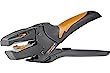 |
Weidmüller stripax stripping and cutting tool, 9005000000
|
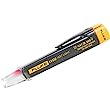 |
Fluke LVD2 non-contact AC detector with torch
|
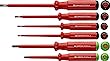 |
PB Swiss Tools PB 5543 electrician's screwdriver set
|
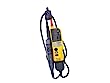 |
Fluke T130 two-pole voltage and continuity tester
|
Explore the Electrician's Tools guide for the purposes and limitations of the existing cutting, stripping and testing tools. Check the actual model and task before selecting or using equipment.
Read more