
Smart lighting: lamps, actuators and scenes
Good smart lighting should be as straightforward to use as ordinary lighting. It can also respond to brightness, time, movement or a selected scene. Physical controls should cooperate with automation rather than fight it.
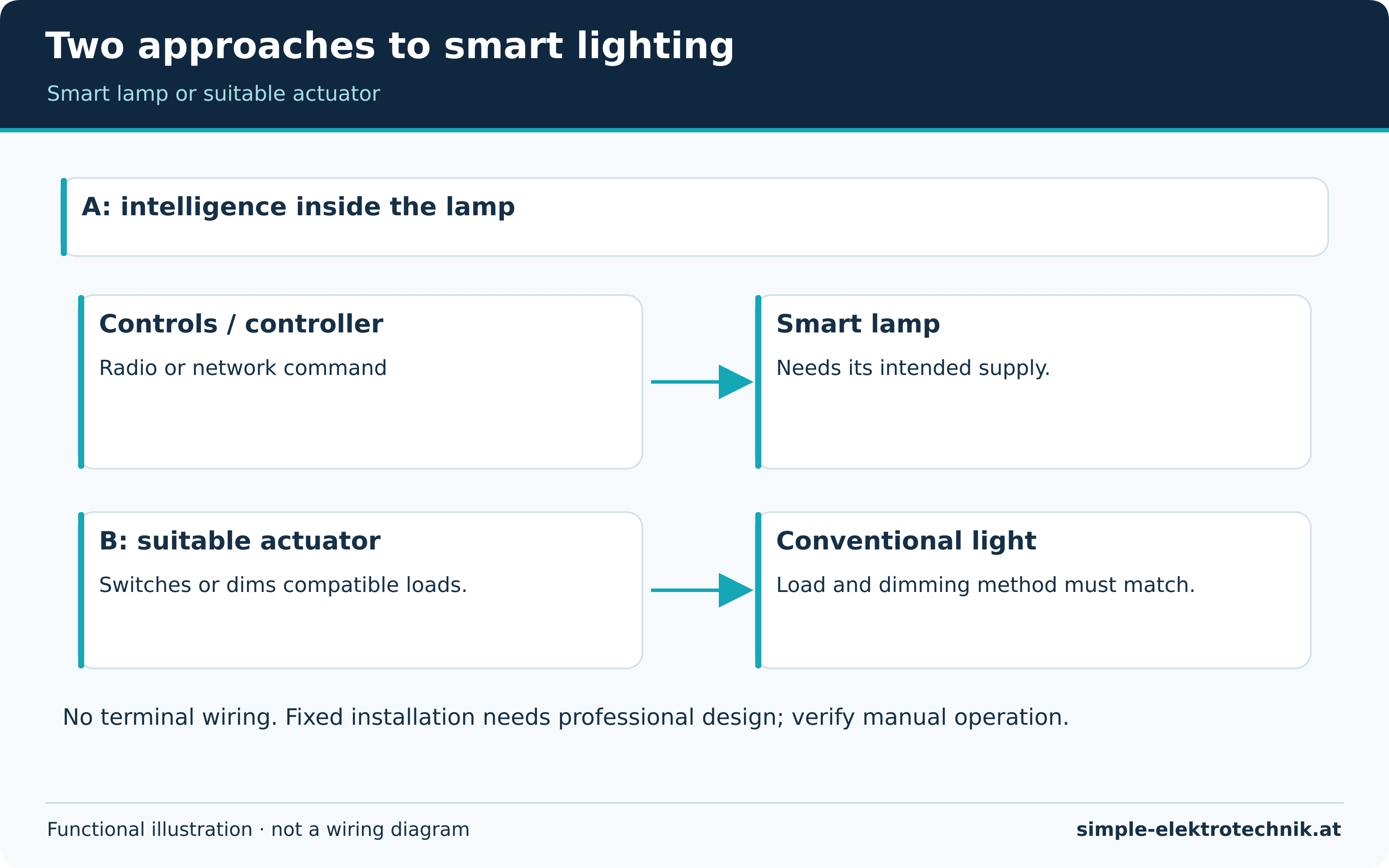
There are two main approaches: intelligence inside the lamp, or a suitable switching/dimming actuator controlling conventional lighting. Choose according to the fitting, required function and installation.
Smart lamps or smart actuators?

A smart lamp contains communication and control electronics. Depending on the model, it may support dimming, adjustable white or colour. If an ordinary wall switch removes its power, it generally becomes unreachable by radio. Plan controls accordingly.
An actuator switches or dims a suitable conventional load. Depending on the product, a wall button may connect to a local input. Whether this input still works without a hub is a device feature to verify, not a consequence of appearing in an app.
The comparison diagram shows both functional paths without terminal wiring. Fixed actuators need professional assessment of available space, conductors, load, temperature and protective requirements.
| Approach | Typical benefit | Important limitation |
|---|---|---|
| Smart lamp | Individual brightness and possibly colour | Needs supply and appropriate controls |
| Switching actuator | Switches an existing suitable load | A software slider alone does not add dimming |
| Dimming actuator | Controls compatible dimmable lighting | Load and dimming method must match |
| Wireless/battery button | Additional control without a new control cable | Still depends on radio, power and assignment |
Clear groups and scenes
A group combines lights for shared commands. A scene defines desired states, such as several brightness levels. The states that can be stored depend on the system.
A film scene might reduce the main light and enable background lighting. Another clearly named scene restores normal conditions. Not everything needs to be triggered by a television; a single scene button may be more predictable.
Command acceptance is different from confirmed state. A dashboard may show a target while a lamp is disconnected or unavailable. Check feedback and how failed group commands become visible.
Motion, presence and daylight

A motion sensor does not detect every quiet activity. A presence sensor may detect smaller movements, depending on technology, but is not infallible occupancy detection. Position, furniture, pets and delay settings all matter.
A hallway may need brief lighting, while a reading or working area needs a different approach. Combine detection, ambient light and use of the room. A lux reading at the sensor is not automatically illuminance at a work surface.
The automation guide includes a complete night-light example with repeated triggers and manual override. The existing motion-sensor article provides further device background through the site's switching-device category.
Give manual control a clear meaning
Define short press, long press and repeat operation. Many hidden timing-dependent functions do not necessarily improve usability. Essential controls should be understandable without training.
A manual switch-on could temporarily inhibit automatic switch-off. Define how automatic operation resumes: another press, an explicit mode change or a documented timeout. A routine should not immediately undo an intentional user command.
Decide what should happen after power returns. Some lamps turn on, others restore a remembered state. Check each model. A dim scene is not a substitute for required emergency or safety lighting.
Dimming and colour without confusion
Do not assume a smart bulb can be supplied through an existing phase-control dimmer. Unsuitable combinations can flicker or fail. Actuators require compatible lamps, drivers and control methods. An app does not remove electrical limitations.
Brightness percentage is a command, not guaranteed linear light output. Ten per cent does not necessarily appear one-tenth as bright. A white lamp also does not automatically support every white temperature or colour.
Commissioning and fault-finding
- Verify each light and manual control first.
- Test every intended lamp in groups and scenes.
- Observe daylight, darkness and quiet occupancy.
- Check whether repeated motion extends the off delay as intended.
- Eliminate competing rules in other apps or hubs.
- Check connection or power recovery using permitted procedures.
Unexpected switch-off need not mean a faulty lamp. Another routine, timer or supply switch may be responsible. Time-correlated logs are more useful than repeatedly resetting devices without diagnosis.
Common questions
Does every smart lamp save energy?
No. Lamp efficiency, use and system standby demand all matter. See energy measurement.
Will my existing wall switch still work?
Only with the appropriate control concept. Cutting supply can make smart lamps unavailable. An actuator's specified input determines how its local control behaves.
Do I need voice control?
No. Buttons, scenes and sensors may be sufficient. Optional voice control should not displace essential physical operation. Check the systems guide before choosing integrations.
Sources and further information
Tools for electricians
A compact selection for cutting, stripping, screwdriving and testing. Choose the actual version for the task and follow its instructions.
Advertising / affiliate links. As an Amazon Associate I earn from qualifying purchases. Product images and names lead to the existing Amazon listings.

Weidmüller KT 8 cable cutter
- For suitable copper and aluminium conductors.
- The cutting geometry is designed for a clean cut.
Check conductor material and permitted capacity. A cable cutter is not a general-purpose bolt or steel-wire cutter.
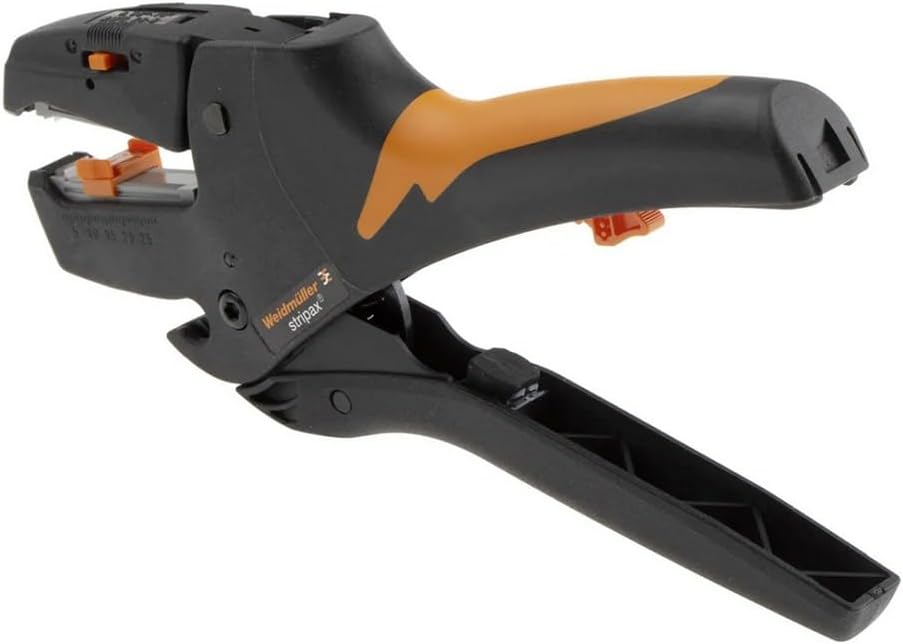
Weidmüller stripax insulation stripper
- Automatic stripping tool for approved conductors and insulation types.
- Includes an adjustable length stop and a separate cutting function.
Stripping range and cutting capacity are different. A stripping range up to 10 mm² does not mean it can cut conductors of the same size.
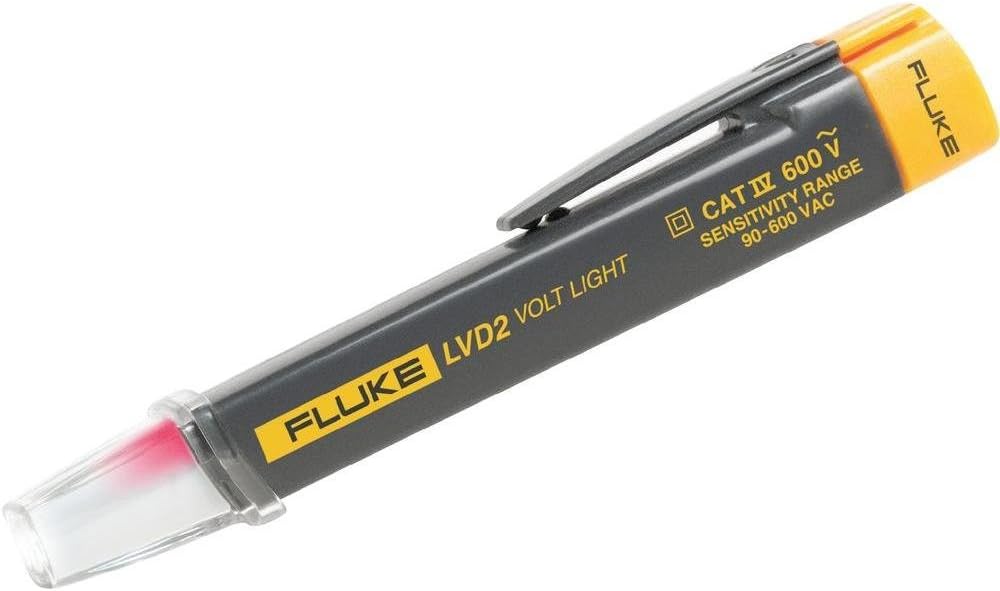
Fluke LVD2 non-contact voltage detector
- Indicates AC voltage within its intended application.
- Includes two sensitivity levels and an integrated light.
No indication does not prove dead. Shielding, distance and installation affect detection; it does not replace the appropriate two-pole procedure.
PB Swiss Tools PB 5543 VDE screwdrivers
- Set for matching slotted and Pozidriv screws.
- Match the screw profile, size and marked tool version.
Tested insulation does not generally authorise live work. Tool condition and the working procedure remain essential.
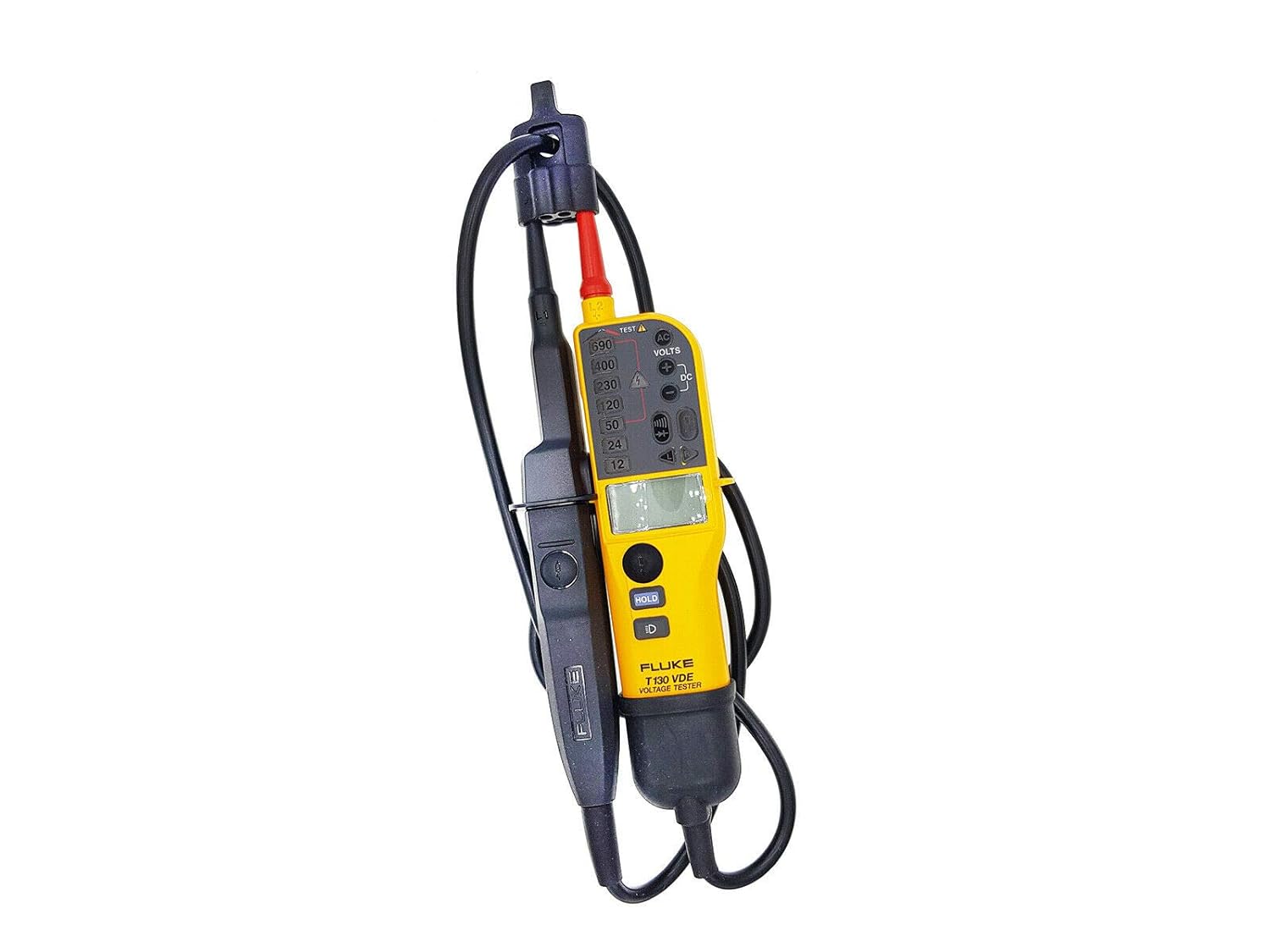
Fluke T130/VDE two-pole voltage tester
- For voltage and continuity checks according to its instructions.
- This model family combines LED indication with an additional LCD.
Use the correct proving-dead procedure and required instrument checks. An isolated LCD reading does not replace them.