
Automating shutters, blinds and shading
Smart shading can move shutters and blinds according to time, sunlight and room use. An awning has different protective requirements from an indoor blind. Start with the actual motor and mechanism rather than the longest list of automations.
Provide clear local controls, permitted movement commands and defined behaviour for missing measurements or power failure. Comfort routines must not override required protection.
Distinguish shutters, blinds and awnings

A shutter mainly changes opening and screening. A Venetian blind may also control slat angle. An awning needs assessment against its specified weather conditions. Indoor and outdoor products are not interchangeable.
Required functions must be supported. Up/down commands do not automatically provide accurate percentage position or separate slat control. An estimated position based only on travel time can differ from the actual mechanism.
End limits, obstacle detection and protective features depend on the product. Closed in an app is not proof of complete mechanical verification. Use the feedback the drive actually provides.
Match controller and drive
Conventional motor control needs suitable direction interlocking and the specified changeover conditions. Two arbitrary smart sockets are not a general substitute for a proper blind actuator.
Motor type, voltage, load, connections and controls vary. Radio drives may already contain control electronics without supporting every other radio standard. Product documentation and integration determine available functions.
Fixed wiring and motor connections require the competence and authorisation applicable to the installation. The article and diagram describe control principles, not universal terminal wiring.
Useful triggers and conditions

A schedule can open in the morning and close in the evening. Solar-position control follows the daily path but does not by itself establish actual sunshine. Cloud, façade orientation and room use are additional factors.
Summer shading might require sunlight on the relevant façade and a genuine need to limit heat gain. Delay or hysteresis can avoid repeated movement around a threshold. Suitable values depend on the installation; universal lux, temperature or wind settings would mislead.
Consider terrace-door use. Automatic closing must not unexpectedly lock someone outside or impair required access or escape. A door contact provides information within a suitable overall design; it is not a complete safety system.
Define priorities clearly
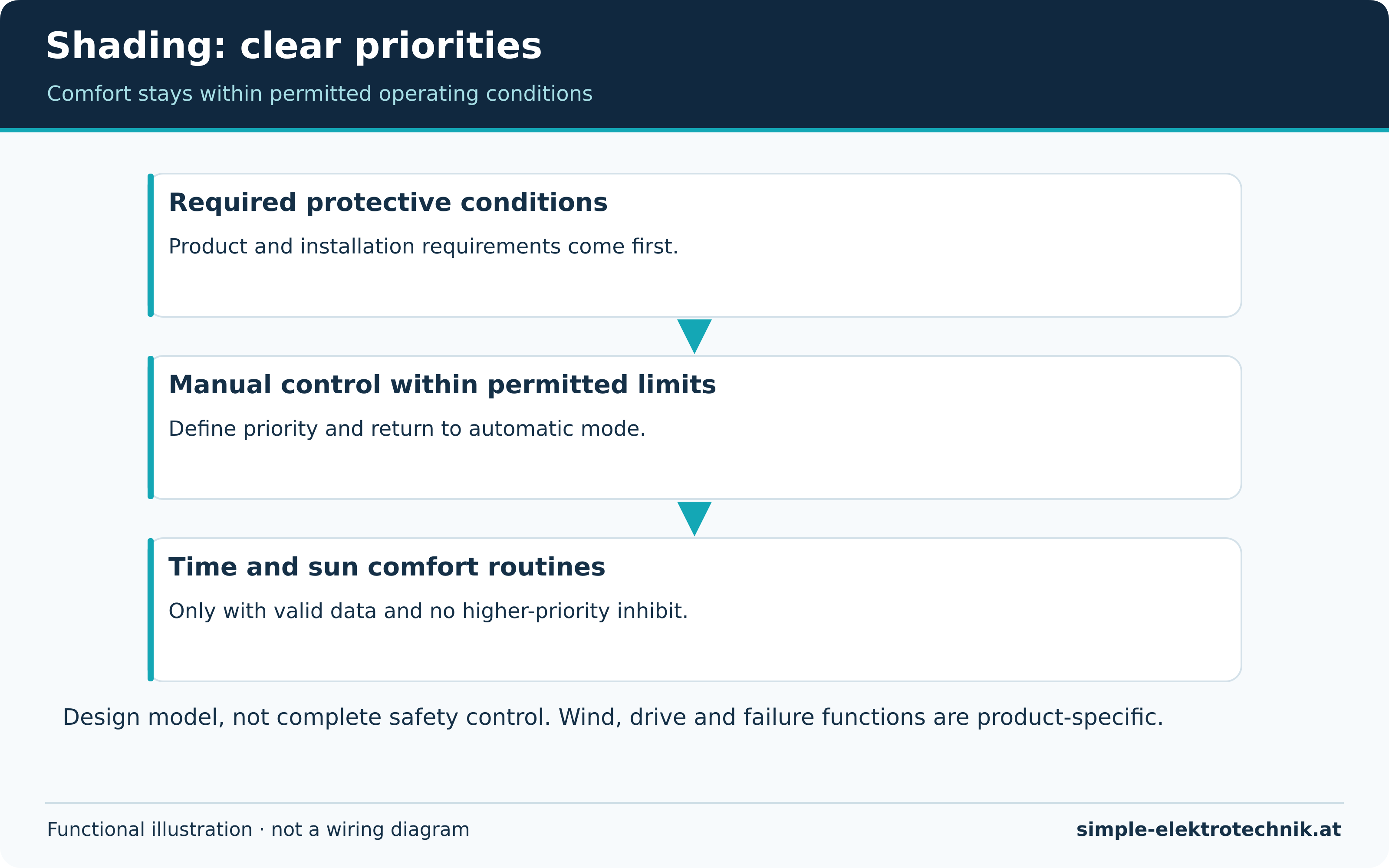
The priority diagram is a design model. Required product and protective conditions apply first. Within the permitted envelope, manual operation may take precedence over comfort automation. Schedules and solar routines follow. This is not a complete safety-control design.
| Command or condition | Behaviour to plan |
|---|---|
| Required protective function | Follow product/installation requirements; do not bypass through a comfort mode |
| Deliberate manual intervention | Temporarily suspend appropriate comfort routines |
| Automatic shading request | Permit only with valid conditions and no conflicting higher priority |
| Missing weather data | Use a defined product-appropriate response, not an assumption of no wind |
A manufacturer may specify wind monitoring and failure behaviour for a particular awning. Do not generalise that feature to every motor. Internet weather data is not automatically equivalent to suitable local protective monitoring.
Manual mode and automatic recovery
A button press should have a clear meaning: a movement command or activation of manual mode. A delay before resuming comfort automation may be useful, but must not block required protection.
Define when manual priority ends, such as an explicit automatic-mode command or a suitable timed rule. Unexpected daily resets confuse users.
All control points should follow the same logic. Voice commands and physical buttons should not silently create different modes. See automation design for shared mode management.
Commissioning and failure checks
- Verify direction, stopping and permitted end positions against product instructions.
- Perform any position calibration or travel-time setup as specified.
- Begin with a small set of time and sun rules.
- Check manual priority and its release.
- Assess missing data, communications loss and return of supply.
- Have required protective functions and local controls verified separately.
Do not create hazardous weather or obstruction conditions to test a comfort routine. Use approved test facilities or safe simulation according to the product and installation.
Common questions
Are weather-app wind readings enough?
Not generally for protection. Local gusts, stale data and connectivity need consideration. Follow the required product and protective design.
Does a percentage mean measured position?
Not always; it may be estimated from travel time. Check feedback and accuracy.
Can everything be opened manually during a power cut?
Only where the product provides a suitable facility. Clarify this before selection, particularly for important access routes. See reliable operation for broader failure planning.
Sources and further information
Tools for electricians
A compact selection for cutting, stripping, screwdriving and testing. Choose the actual version for the task and follow its instructions.
Advertising / affiliate links. As an Amazon Associate I earn from qualifying purchases. Product images and names lead to the existing Amazon listings.
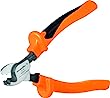
Weidmüller KT 8 cable cutter
- For suitable copper and aluminium conductors.
- The cutting geometry is designed for a clean cut.
Check conductor material and permitted capacity. A cable cutter is not a general-purpose bolt or steel-wire cutter.
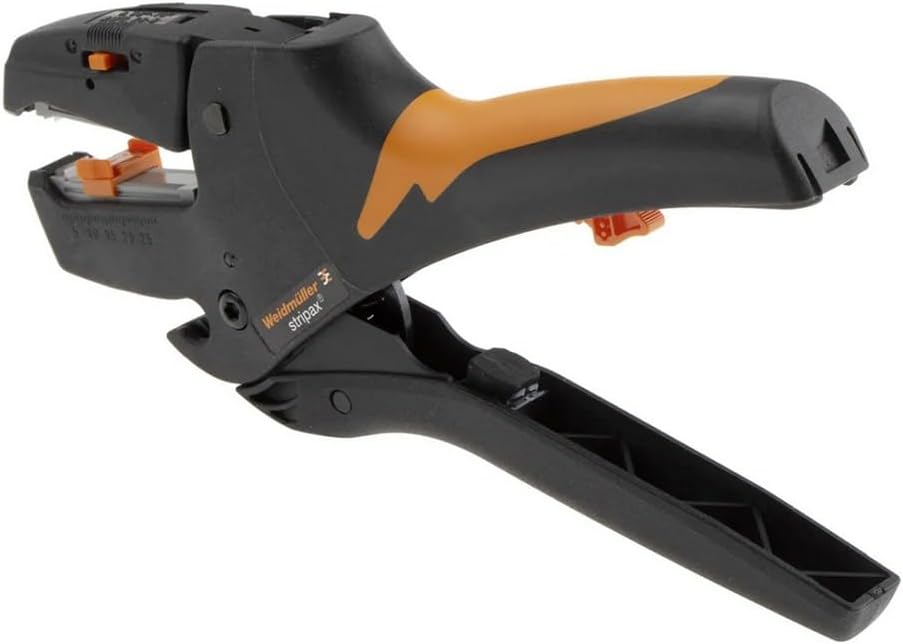
Weidmüller stripax insulation stripper
- Automatic stripping tool for approved conductors and insulation types.
- Includes an adjustable length stop and a separate cutting function.
Stripping range and cutting capacity are different. A stripping range up to 10 mm² does not mean it can cut conductors of the same size.
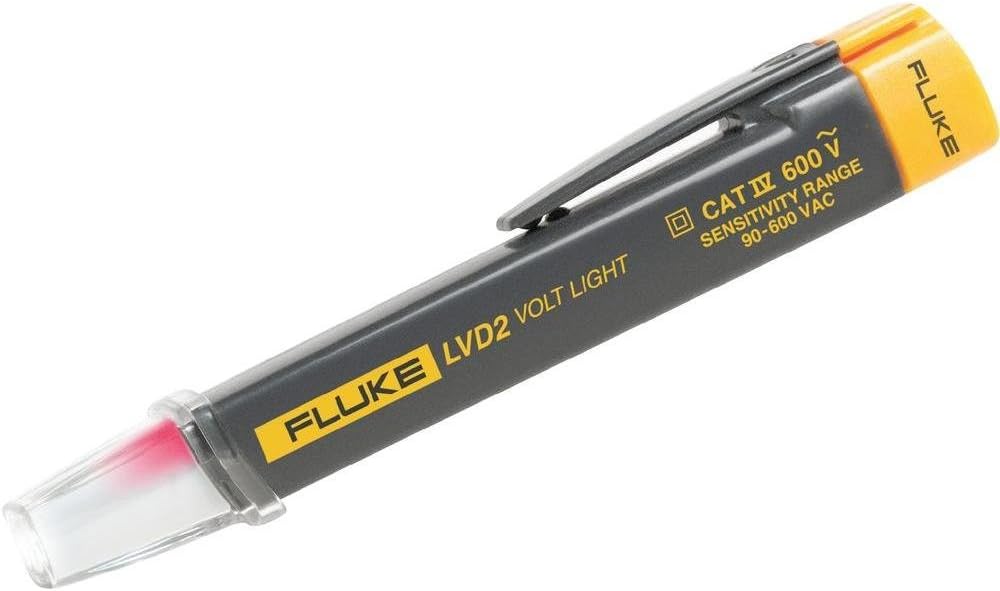
Fluke LVD2 non-contact voltage detector
- Indicates AC voltage within its intended application.
- Includes two sensitivity levels and an integrated light.
No indication does not prove dead. Shielding, distance and installation affect detection; it does not replace the appropriate two-pole procedure.
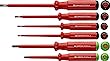
PB Swiss Tools PB 5543 VDE screwdrivers
- Set for matching slotted and Pozidriv screws.
- Match the screw profile, size and marked tool version.
Tested insulation does not generally authorise live work. Tool condition and the working procedure remain essential.
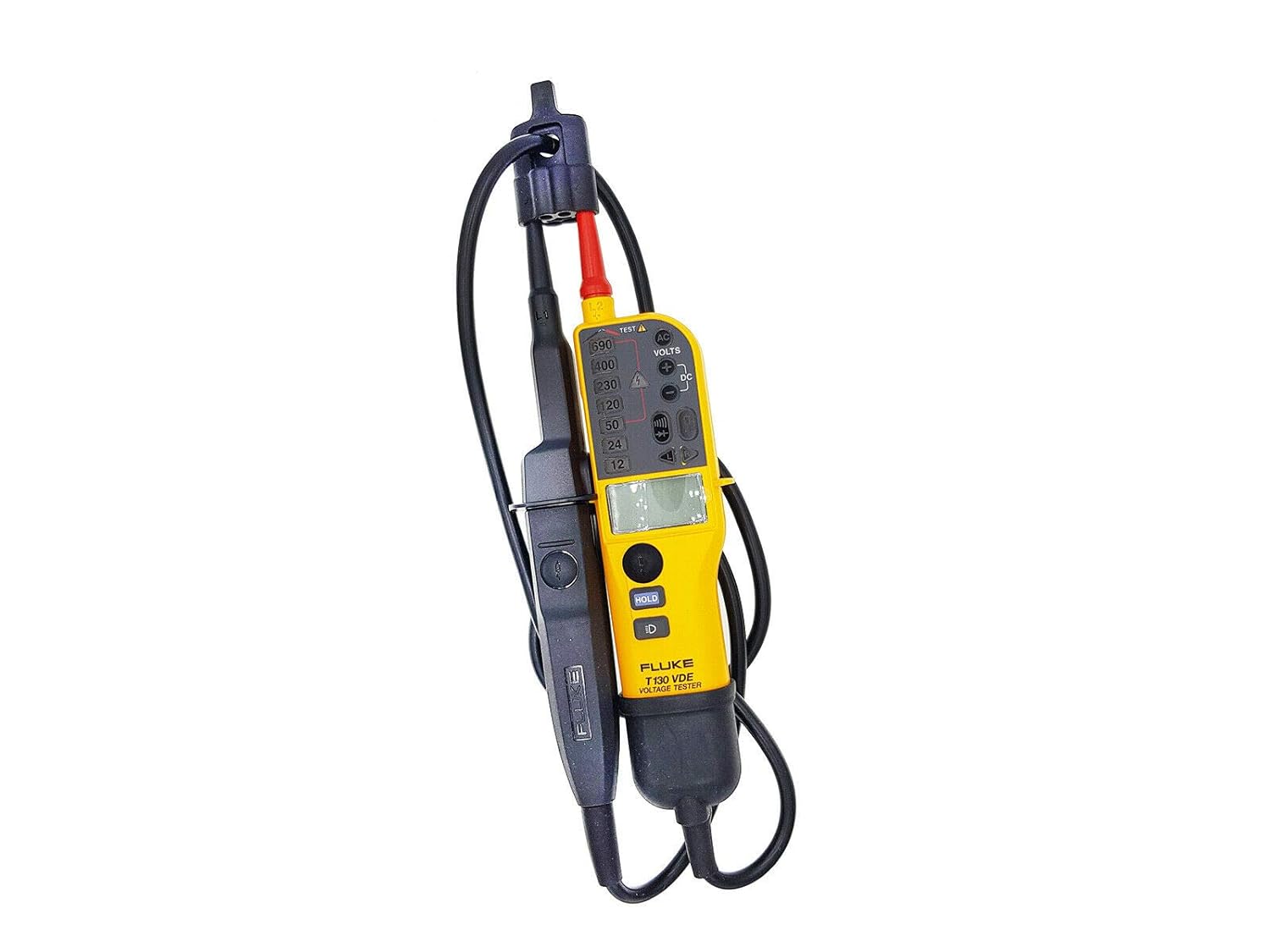
Fluke T130/VDE two-pole voltage tester
- For voltage and continuity checks according to its instructions.
- This model family combines LED indication with an additional LCD.
Use the correct proving-dead procedure and required instrument checks. An isolated LCD reading does not replace them.